Your machines, your queue
A VPS, an office box, a laptop. The worker takes the job the moment you press deploy, because nobody else is in front of you.
Built for developers · test and production
Stop waiting on someone else's queue. A dashboard, a command line, and a worker you run anywhere Docker runs: point worqer.app at a Git repository and it builds, tests, deploys, streams the logs, and hands back a public URL — on your VPS, your office box, or your laptop. Your machine starts the job the second you ask. No build minutes, no egress bills, no vendor holding your infrastructure.
Every project gets a free subdomain. Running on your laptop? An ngrok tunnel puts local environments on a public URL too.
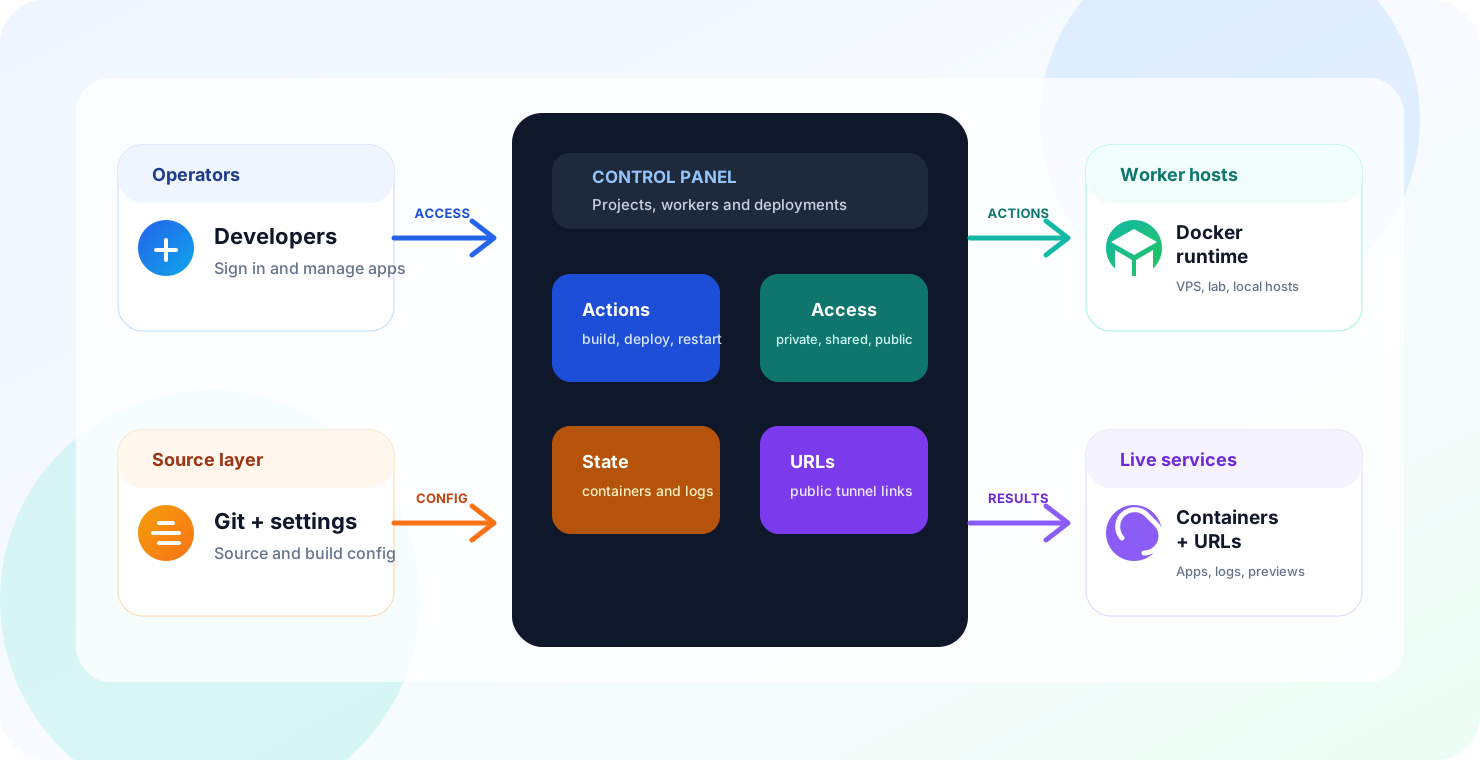
Platform architecture
Free means either machine: run the worker on a VPS, an office box or your laptop, or use a hosted one we provide — both cost nothing and behave identically from the panel. Move to managed production workers when it matters, and share any worker, free or paid, with your team. The panel coordinates auth, jobs, access rules, repositories, credentials, containers and public URLs the same way regardless of where the work lands.
Built on tools you already trust
A self-hosted alternative to GitHub Actions
worqer runs on machines you own. There is no shared queue to wait in, no minutes to run out of, and no incident on someone else's status page that stops you from shipping.
Deploy your first workerA VPS, an office box, a laptop. The worker takes the job the moment you press deploy, because nobody else is in front of you.
Gitea and Forgejo are in the catalog. Both speak the Actions workflow syntax, so the pipelines you already wrote have somewhere to run that you control.
Apache Airflow is in the catalog too, with its database wired up. For the work that runs on a schedule, retries, and has to explain itself later.
Plain Docker Compose and Dockerfiles on hosts you already administer. Nothing here holds your deployments hostage, including us.
Move from repository URL to running service with a guided path for branches, build settings, environment values, and target workers.
Keep execution on VPS hosts, office machines, or lab boxes while the panel gives you status, capacity, runtime details, and cleanup controls.
Give teammates exactly what they need to deploy: the repo, the credential, the worker, or the whole workspace surface.
Share a worker and a teammate deploys to it without touching your server. Mix a laptop, an office box and a production VPS in the same workspace — then ship to one of them, or to all of them at once, in seconds.
Every project gets a free subdomain, so a deploy is shareable straight away. Working from a laptop or a machine behind NAT? An ngrok tunnel publishes that local environment on a real URL — same flow, no port forwarding.
Connect a free remote database or deploy PostgreSQL, MySQL, Redis, MongoDB, Supabase and more on your own worker. Keep credentials together and choose where the data lives.
Premium AI diagnostics group production errors, inspect the authorized repository and prepare a minimal Git diff for review before any branch or hotfix commit.
What people run on it
No templates and no supported-framework list. You bring a Dockerfile or a Compose file and it goes up — the same path whether it is a landing page or a GPU-hungry agent.
Configure and deploy from the catalog.
Configure and deploy from the catalog.
Configure and deploy from the catalog.
Configure and deploy from the catalog.
Configure and deploy from the catalog.
Configure and deploy from the catalog.
Configure and deploy from the catalog.
Configure and deploy from the catalog.
Configure and deploy from the catalog.
Configure and deploy from the catalog.
Configure and deploy from the catalog.
Configure and deploy from the catalog.
Configure and deploy from the catalog.
Configure and deploy from the catalog.
Configure and deploy from the catalog.
Configure and deploy from the catalog.
Configure and deploy from the catalog.
Configure and deploy from the catalog.
Configure and deploy from the catalog.
Configure and deploy from the catalog.
Configure and deploy from the catalog.
Configure and deploy from the catalog.
Configure and deploy from the catalog.
Configure and deploy from the catalog.
Configure and deploy from the catalog.
Configure and deploy from the catalog.
Configure and deploy from the catalog.
Configure and deploy from the catalog.
Configure and deploy from the catalog.
Configure and deploy from the catalog.
Configure and deploy from the catalog.
Configure and deploy from the catalog.
Configure and deploy from the catalog.
Configure and deploy from the catalog.
Configure and deploy from the catalog.
Configure and deploy from the catalog.
Configure and deploy from the catalog.
Configure and deploy from the catalog.
Configure and deploy from the catalog.
Configure and deploy from the catalog.
Configure and deploy from the catalog.
Configure and deploy from the catalog.
Configure and deploy from the catalog.
Configure and deploy from the catalog.
Configure and deploy from the catalog.
Configure and deploy from the catalog.
Configure and deploy from the catalog.
Built for agents too
worqer-cli is a plain command-line tool with predictable output, so a coding agent can drive it the same way you would. Point Claude Code, Cursor or your own script at it and deploying becomes a step in the task rather than something a human stops to do.
From idea to live service
Each action becomes a trackable job with a worker, status, owner, and timestamp, so releases feel coordinated instead of improvised.
The cockpit view
The interface keeps workers, repositories, credentials, commands, container logs, and public URLs in one place so deployment feels calm and legible.
Several pipelines at once on machines you own. Nobody is queued ahead of you, so a run starts the second you ask for it — and the same worker carries it from the first unit test through to production.
claim mexica-worker connected - Privatecredential github-main shared with operatorssync cardanfx/api -> branch maindeploy compose web:3000 on mexica-workerlogs container healthy - restart and commands readyurl preview tunnel publishedWatch releases move from queued work to running services with the signals operators actually need.
Documentation
Open the documentation hub for the architecture, worker setup, and the repository-to-deployment workflow.
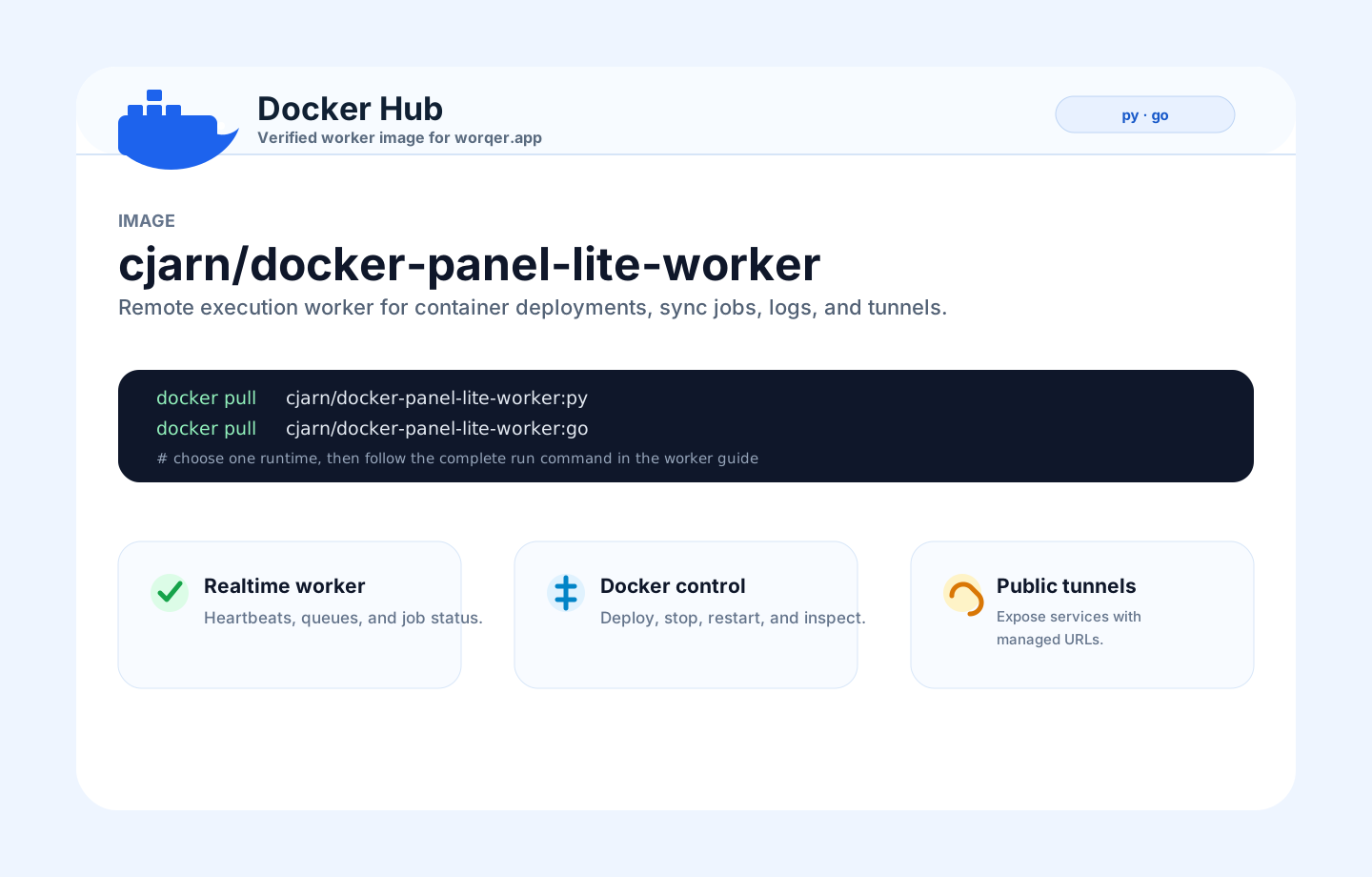
Understand the control panel, Firebase state, Docker workers, queues, containers, and public URLs.
02Run the Docker Hub image, persist the worker identity, copy the claim token, and attach the host.
03Add credentials, register a repository, sync branches, select a worker, and launch the service.
Start now
Sign in with email or Google, claim your first worker, and turn a repository into a running service from the dashboard.